How to Use
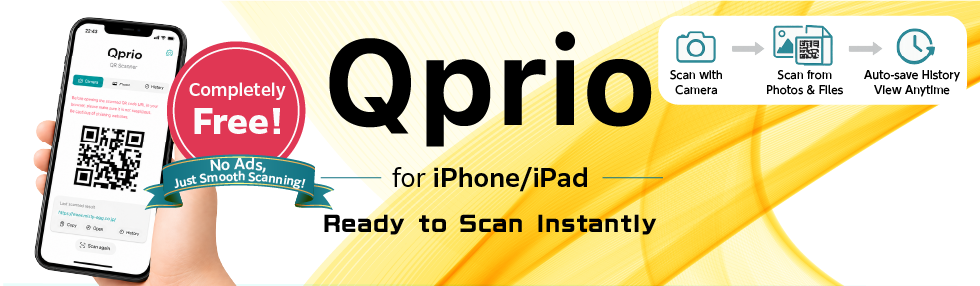
Simple and ready to use instantly.
1. Point at the QR code
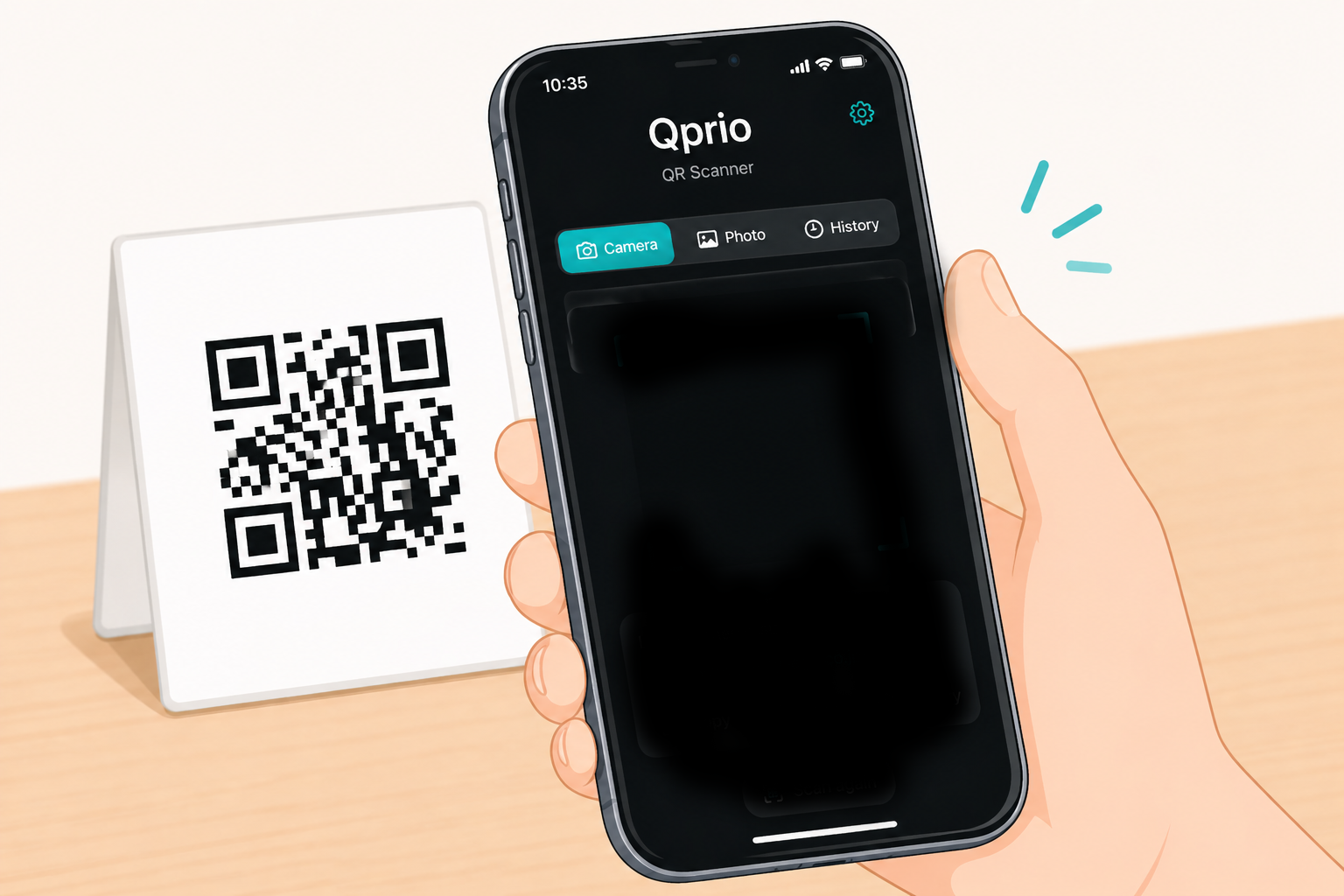
Open the app and point your camera at the QR code.
Qprio automatically starts scanning without pressing any buttons.
2. Scan automatically
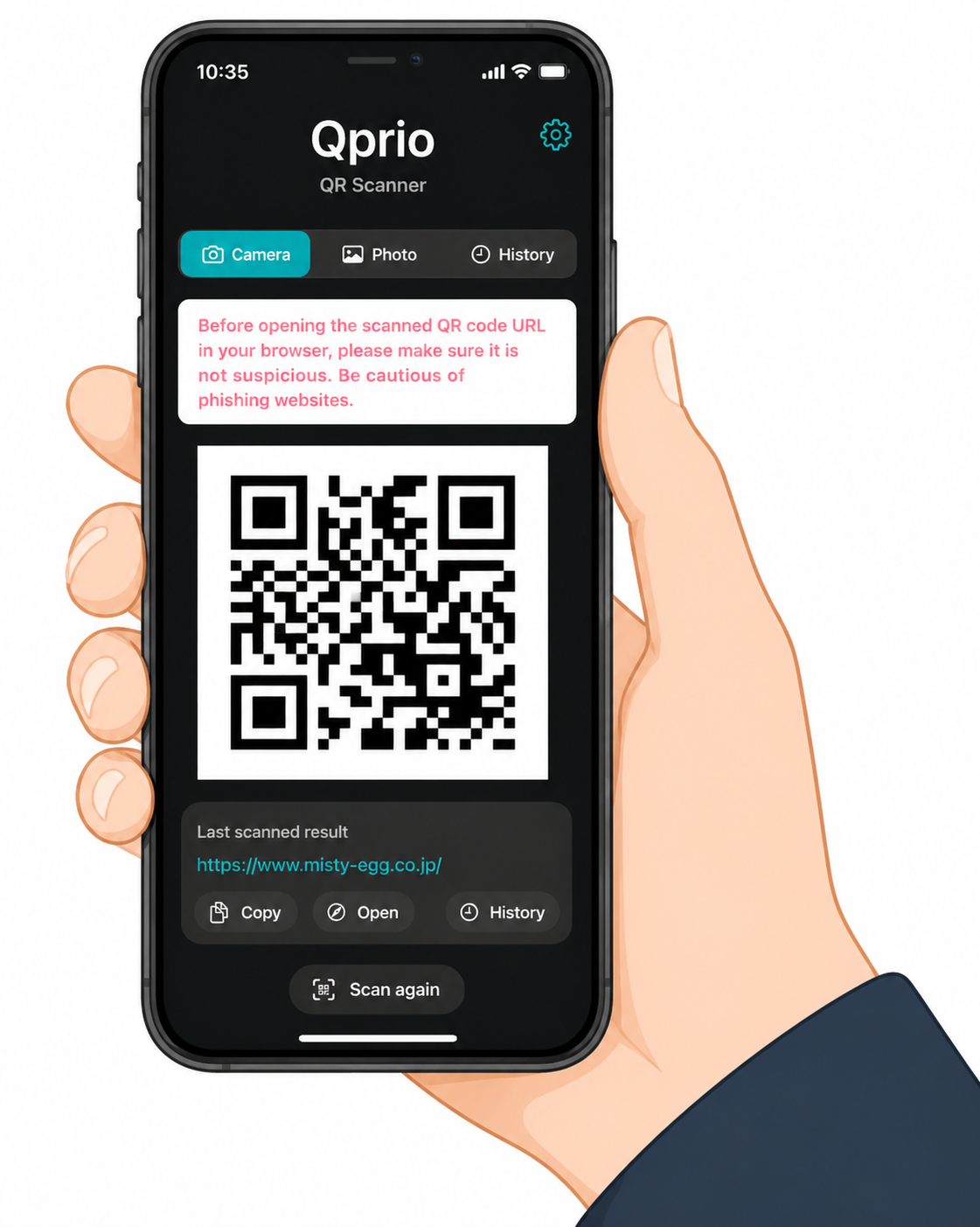
The content appears automatically after detection.
Supports QR codes from photos, image files, and PDF documents.
3. Tap to open
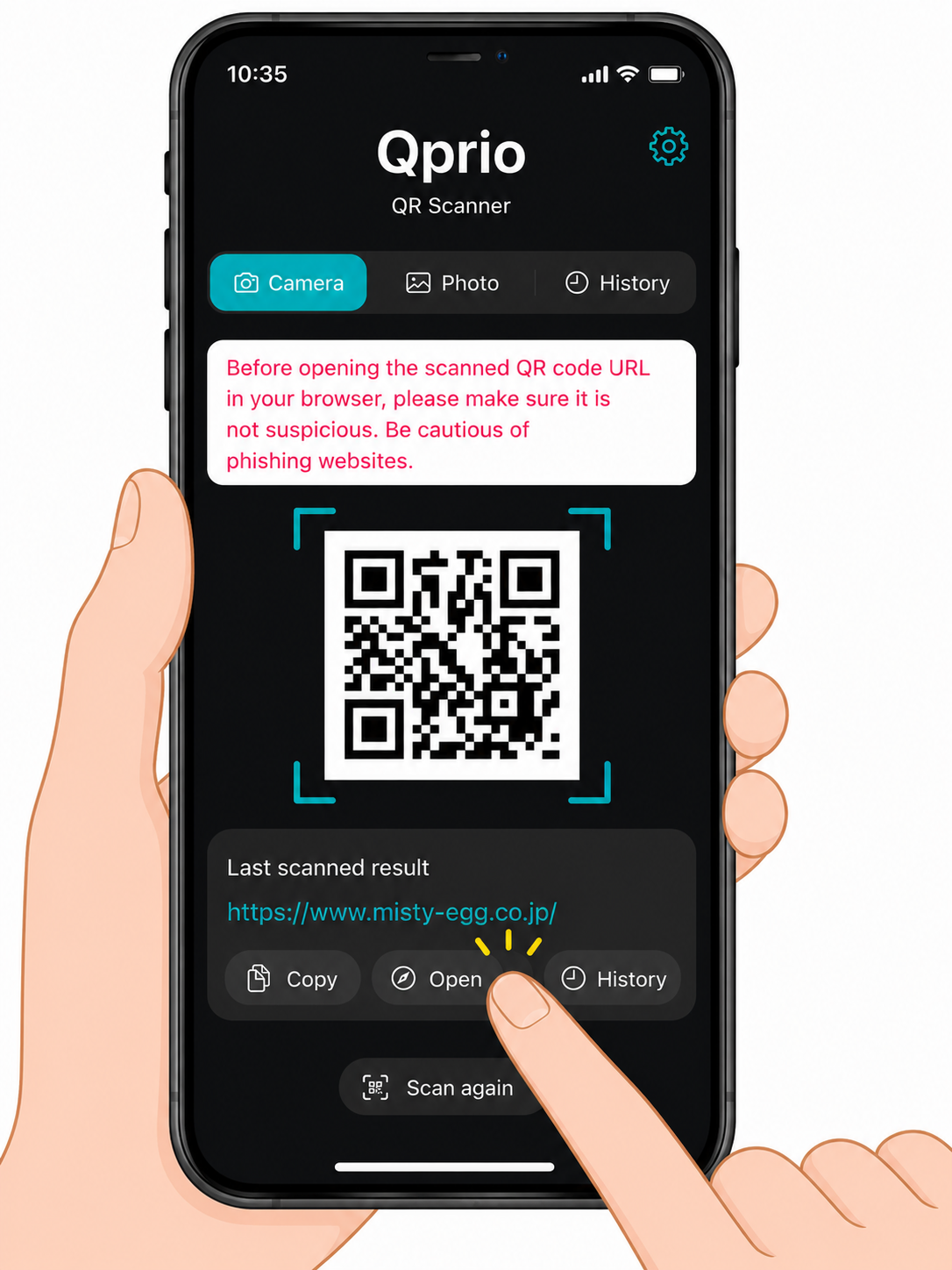
Tap the detected URL to open it in your browser.
Scan history is saved automatically for later access.
Completely Free
Qprio is completely free to use.
No ads, no subscriptions, and no registration required.
- Free to use
- No ads
- No registration required
- No additional fees
Download for Free

Features
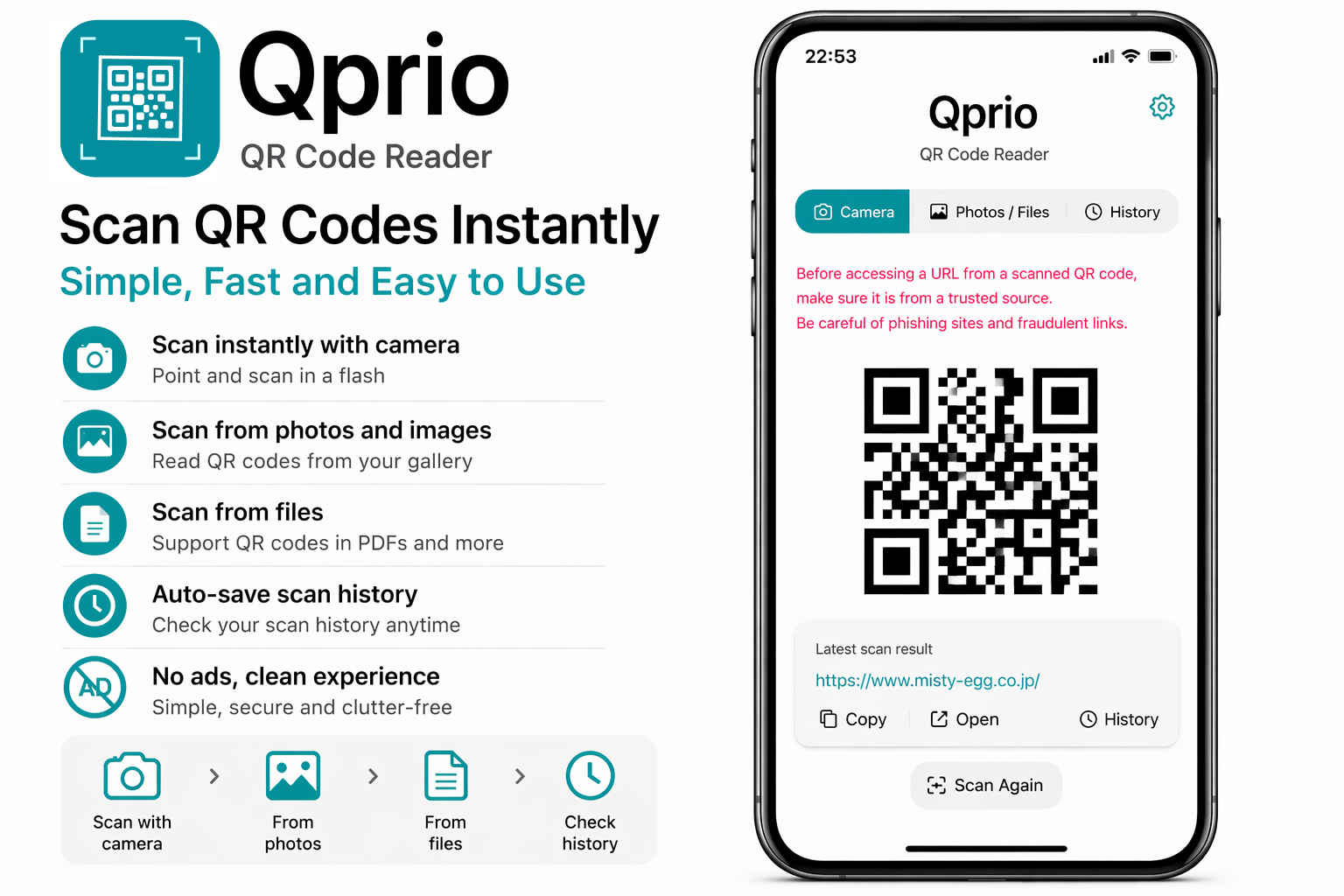
- Automatically scans QR codes instantly
- Scan QR codes using the camera
- Read QR codes from photos and image files
- Supports QR codes inside PDF files
- Save scan history
- Open URLs instantly with one tap
Highlights
- Completely free
- No ads
- No personal data collection
- Simple and ready to use instantly
- Fast and lightweight
Learn more about how QR codes work → QR Code Guide
Supported Platforms
iOS (iPhone / iPad)
Contact